How to use
Four-panel comics showing how Fudemark helps both clients and artists.
These comics were made with generative AI to explain how to use the tool. They are not hand-drawn works.
For clients1. Commissioning hand-drawn art

ClientI want to commission a hand-drawn illustration…

ClientJust looking at the finished piece, it might be hard to tell…

ClientI'll ask for a Fudemark score above 50!

ClientA hand-drawn illustration arrived!
For clients2. When AI art is passed off as hand-drawn

FakerI'll submit an AI image and say I drew it by hand

ClientIs this really hand-drawn?

ClientThe Fudemark score is 80, but there are six fingers! It's AI!

ClientCan't trust this creator. Blocked.
This tool scores every original image by the same rules. Always check the work with your own eyes as well.
For artists3. Showing your work is hand-drawn

ArtistI put real work into my drawings… what if people say they're AI?
ArtistI'll add a Fudemark score!
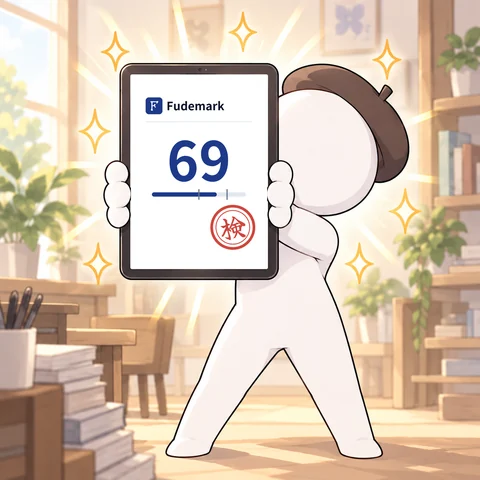
PostThis sample scored 69. Commissions open! fudemark.wasabigarden.tech/proof?id=sample

ClientI opened the URL and it really is 69. Looks hand-drawn!
The proof URL in the comic is a sample for explanation. No such proof page exists.
Please note4. Images from social media give unreliable results

XIs this illustration really hand-drawn?

ClientLet me check its Fudemark score

ClientHuh… 50?
NoteImages uploaded to social media are not originals, so the result may not be accurate.
A score of 50 means undetermined: the tool has judged it neither hand-drawn nor AI-generated.
In short
- 1Choose the original file you saved when drawing (not an image re-saved from social media)
- 2Check the score and certificate, then save the image with the proof number or the PDF
- 3Share the proof page URL alongside your work or commission